
Know when they can visit
Customers can check their access hours in My Access before heading to the site.

App access
Customers see the doors and gates they can use and open them from their phone. Their access follows their permissions, with your logo and colours on screen.
Use app access alongside keypads and QR Solo readers, or run an app-only site without entrance readers. Customers can open permitted gates, doors and unit locks from their phone.

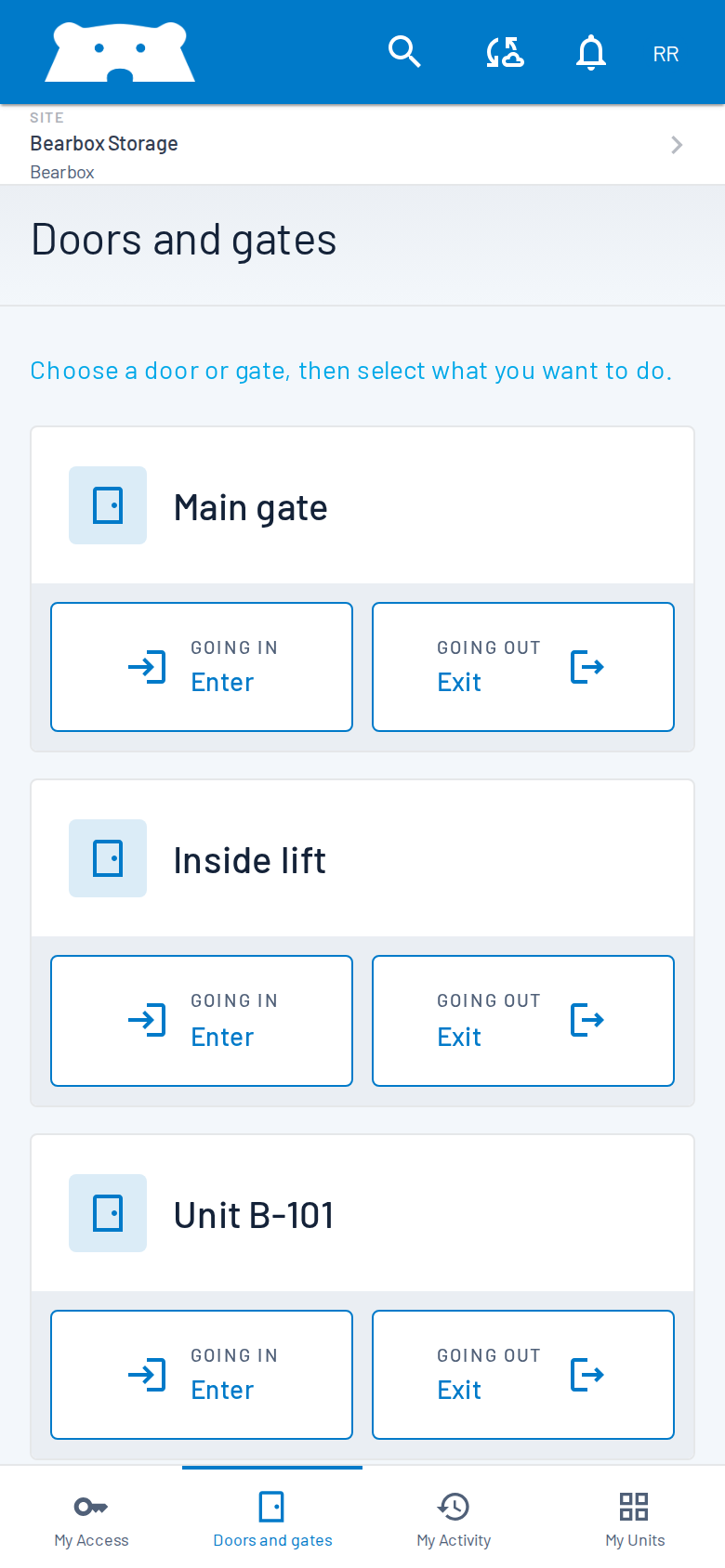
Customers choose a permitted door or gate in Doors and gates, then tap its entry or exit control. They can open the entrance, reach their unit and leave through the same familiar screen.
Customers open Bearbox in their phone browser and can add it to their home screen for return visits.
Customers can check their access hours in My Access before heading to the site.
The same login and credentials can serve several sites. Permissions stay specific to each site.
View a Smart PIN or dynamic QR in the Bearbox app or your own app, or use phone controls for permitted doors and gates.
Put your logo and colours on customer screens, or use Bearbox branding. Customers recognise your site when they open their access screen.
Require nearby GPS location, a PIN shown on the keypad, or both before a phone opening request can proceed. For the screen check, customers read the PIN at the entrance and enter it on their phone.
Require the phone to report a location near the site before an opening request can proceed.
Require the customer to read the on-site display, adding a check beyond reported GPS. This needs a keypad and is unavailable at an entrance without one.
Require both when that is the right fit for the entrance. Each opening still follows the customer’s permissions.
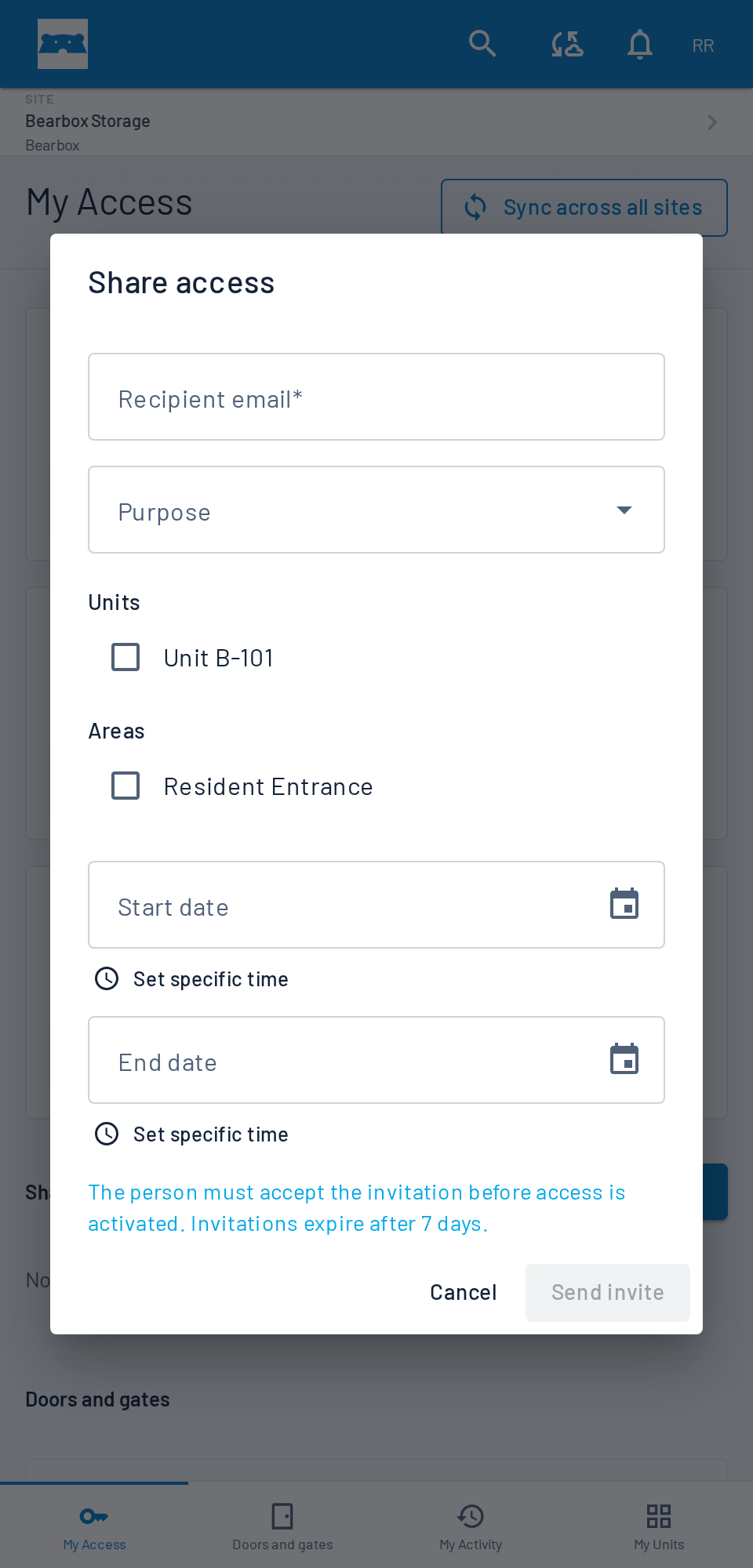
Moving stock often takes more than one person. With sharing enabled, customers can invite a colleague or family member with their own profile and credentials. They can help without borrowing the customer’s login, and access records show whose credentials were used.
Run an app-only site without entrance keypads or QR Solo readers, or combine phone access with physical controls. Gates, doors and the hardware that operates them are still needed. Offer PIN or QR entry where customers prefer it, and ANPR at suitable vehicle entrances.
Phone opening needs an internet connection at the site and on the customer’s phone. Check coverage at the entrances and plan how to help during an outage. Installed keypads and readers can provide local access using permissions already held on site; an app-only site needs a separate contingency.
Staff can use the Bearbox manager app to open or close doors and gates, monitor activity and manage permissions. Customers see the entrances they have access to in their own app.
Customers can use dynamic QR, Smart PIN and authenticator codes as well as familiar fixed PINs and printed QR codes. Combine the options that suit your customers and entrance hardware.
Practical answers for planning your site.
Customers can use Bearbox in their phone browser and add it to the home screen. Bearbox also offers apps. We’ll show you the options so you can choose how to introduce phone access to your customers.
No. Customers see the access points they are allowed to use. Access hours and optional nearby GPS or keypad PIN checks apply to opening requests. Staff can have separate permissions for remote assistance.
App opening requests need both connections. Local keypad or reader access is a separate way to enter during a site internet outage where that equipment is installed and configured. Include connectivity and customer assistance in the plan for an app-only site.
Yes. Offer phone access alongside keypad PINs, QR readers or numberplate recognition, using the equipment each method needs. Customers can use the method you provide at each entrance.
The customer reads a PIN shown on the keypad and enters it in the app before opening. You can require this check, nearby GPS location, or both. The screen PIN adds a check beyond reported GPS location, but can still be relayed by someone else. It requires a keypad, so it is not available at an entrance without one.
Tell us which entrances customers use and whether you want physical controls too. We’ll show the phone screens, branding and opening checks.