Customer access
Apply your rental decisions to the customer’s site and unit permissions.

API integration
Manage customer access and use site activity in the tools your team already works with. Your developers use the same API as Bearbox Portal.
Connect your rental platform, CRM or reporting tools to Bearbox. An integration can turn a new rental into access, bring alarm activity into a dashboard or send visit events to an external analysis tool.
Anything you can do in Bearbox Portal, your software can do through the same API. Manage customers, credentials, access and site operations from your own tools, with permissions for the sites and operations your integration needs.
Create, update, suspend or revoke customer access from your own software. Import customers and issue QR codes, PINs and app invitations as part of your rental process.
Apply your rental decisions to the customer’s site and unit permissions.
Issue the codes and invitations customers need alongside their access permissions.
Your software records the rental and sends the customer and access changes to Bearbox. Customers can arrive with the permissions they need, while your team avoids entering the same changes in a second system.
Keep rental decisions in the system that manages them. Decide which changes should grant, restrict or end access, and how staff will check a failed update. Your developers also need to handle interrupted connections and repeated requests.
Your software decides when a customer should have access. Send those changes to Bearbox with the relevant person, unit and permissions.
Give staff a way to spot a change that did not reach Bearbox and resolve it before a customer is left waiting.
Bring access logs, door status, customer records and alarm history into your dashboards. Your developers can also send visit and alarm data to external AI tools to analyse patterns. Bearbox supplies the data connection; your chosen tools perform the analysis.
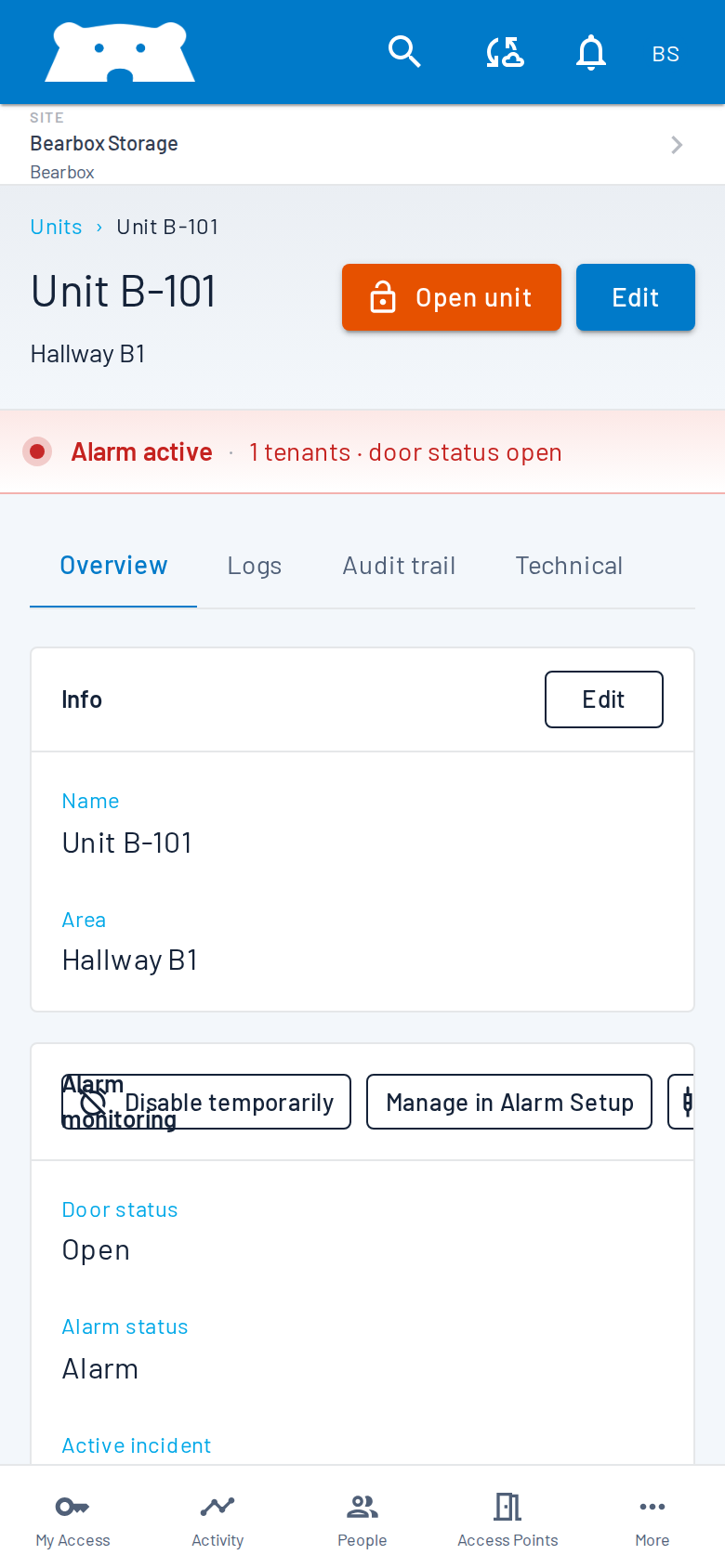
Let your software respond to site activity as it happens. Use webhooks to trigger actions in your system, or Server-Sent Events (SSE) to keep a connected application up to date.
Receive event notifications at your own endpoint, so your software can trigger the next action.
Stream live site changes into your dashboard or application, without repeatedly asking for updates.
The REST API exchanges JSON over HTTPS. Get the documentation and credentials before development, and agree who will maintain the integration when your software changes.
Practical answers for planning your site.
Use an existing rental connector when it covers the changes you need. Bearbox connects with Stora, Space Manager, Storeganise and many more providers. A custom integration lets your developers connect your own software or add actions beyond the provider’s connector.
Yes. Your developers can import customers, issue credentials and create, update, suspend or revoke access through the API. Decide which rental changes should trigger those actions and how your team will check the result.
Contact Bearbox for documentation and credentials. Tell us which systems and sites you want to connect and who will build and maintain the integration.
API requests use credentials over HTTPS. Each integration has its own credentials, issued through Bearbox Portal, so connections can be disabled independently. IP restrictions let you limit requests to the addresses used by your integration.
Bring your software name and an example of the access change or report you need. We’ll help your developers find the API operations for it.