Recording settings
Set recording behaviour on the NVR. Motion-triggered recording is an option where supported, with settings suited to each camera’s view. Confirm the configuration with your CCTV installer.

CCTV
Check live cameras through Bearbox when an alarm needs attention or a customer needs help. Give your team a clearer view of the site from wherever they work.
A door alarm needs checking. A customer calls from the gate. Look at the camera before deciding whether to investigate, call someone or help them enter.
Review the door event and access records, then check the relevant camera. The records show whose credentials were used and which door changed state. The camera lets your team see the scene before deciding what to do.
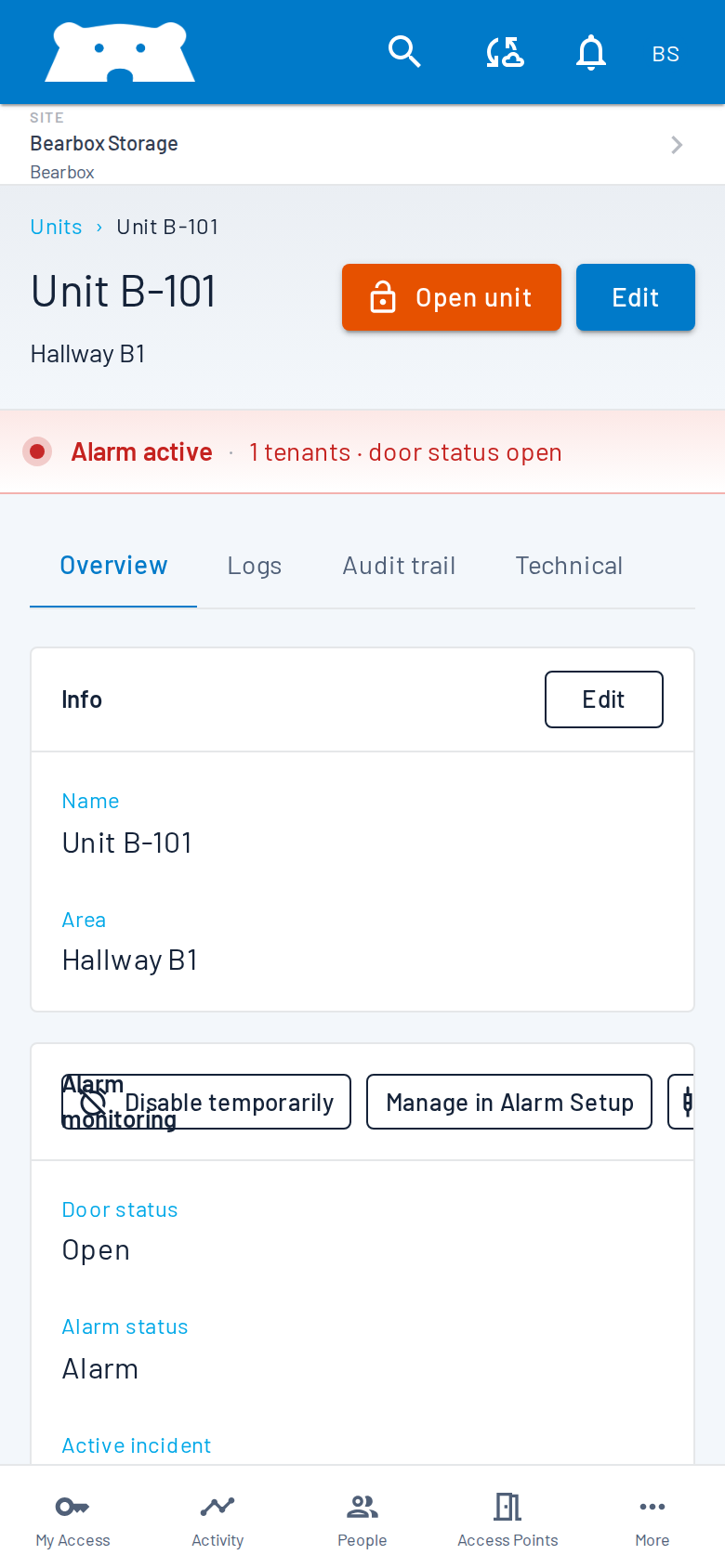
Check the live camera when a customer calls for help. Review their access and use the remote door or gate controls when appropriate. Your team can guide them from another site or office.
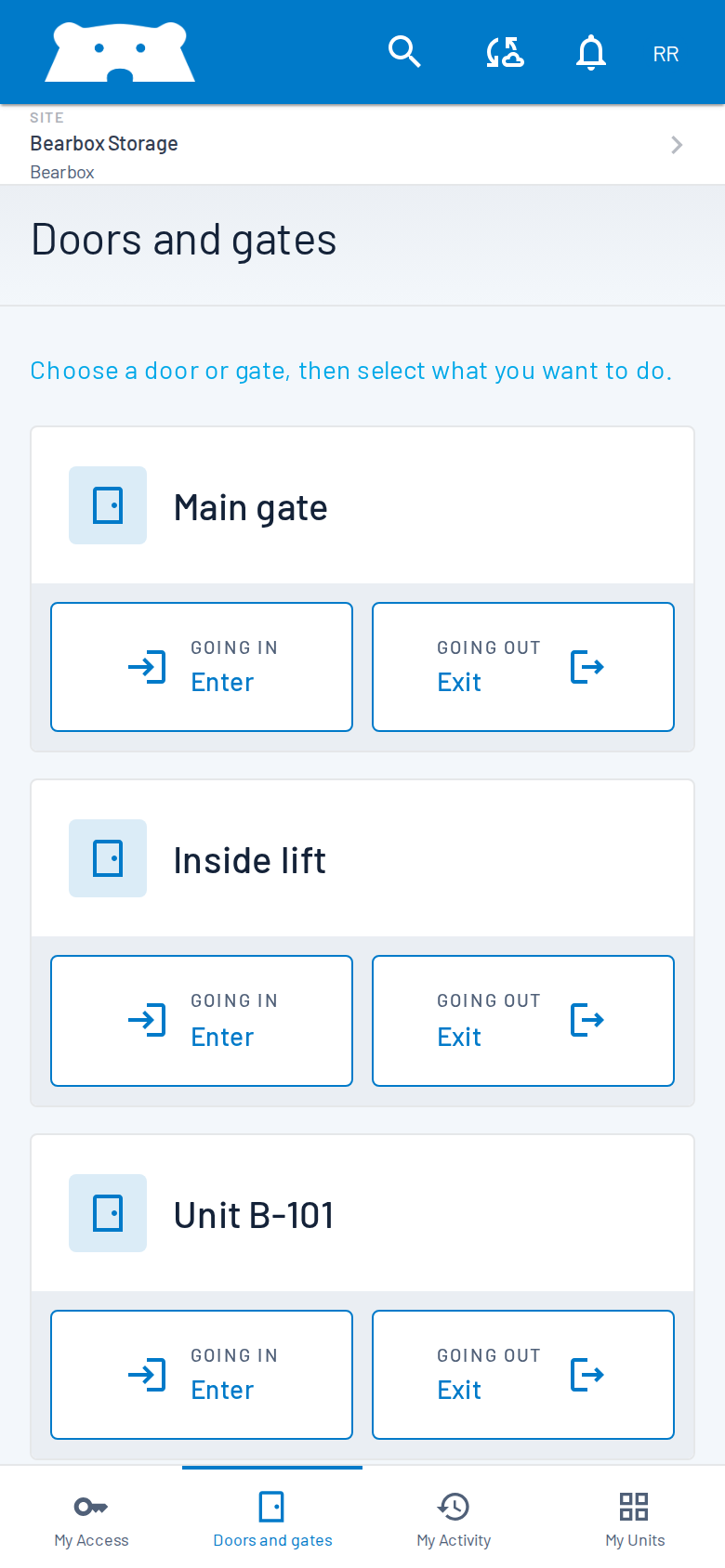
Your network video recorder (NVR) handles recording and storage. Bearbox provides live camera viewing on supported mobile, browser and on-site screens. Use the recorder’s interface to review an incident, export footage and manage retention.
Set recording behaviour on the NVR. Motion-triggered recording is an option where supported, with settings suited to each camera’s view. Confirm the configuration with your CCTV installer.
Use the NVR to find recorded footage and export it when needed. Available playback and export options depend on the recorder; retention depends on its settings and storage capacity.
Recording can be triggered by motion, infrared barriers or keypad activity, using the event inputs supported by the CCTV installation.
We can assess cameras and recorders already installed or recommend off-the-shelf equipment. Share the models and the views your team needs. Your CCTV installer confirms the recording settings and storage capacity.
Practical answers for planning your site.
Compatible equipment can be retained. Share the camera and NVR models so the live-view connection can be assessed before installation. Bearbox also recommends off-the-shelf equipment when you need a new system or additional coverage.
Recording and storage are handled by your NVR. Bearbox provides live viewing, while playback, exports and retention settings remain in the recorder’s own interface. Agree those settings as part of your CCTV installation.
Live camera viewing is available through Bearbox for a compatible, connected installation. Staff can check the site while managing access remotely. The camera system and remote connection need to be working for a live view to be available.
Review access and door records in Bearbox and recorded footage on the NVR. Automatic recording triggers depend on the CCTV equipment and its inputs; they do not make every recording automatically linked to an access event.
We’ll review live-view compatibility and how your team can use cameras alongside access records and alarms.