Door contacts
Know when a monitored door opens or closes. Identify an unexpected opening and a door left open, so your team can investigate or help a customer finish their visit.

Site & Unit Monitoring
See movement, door status and alarms alongside customer access, so your team can distinguish a normal visit from an unexpected opening or a door left open.
A gate log tells you who entered. Door contacts and movement sensors show what happened beyond the gate. Bearbox brings that activity together with customer access so your team knows where to look.
Someone can rent a unit, enter legitimately, then target another customer’s unit. Entrance access alone does not show that activity. Monitor units and shared areas, and use access zones to limit the corridors and floors each customer can reach.
Door contacts show openings and closings. PIR sensors detect movement inside and outside units. Together, they help identify activity in protected areas and doors left open. Supported equipment can also report wiring faults and enclosure openings.
Know when a monitored door opens or closes. Identify an unexpected opening and a door left open, so your team can investigate or help a customer finish their visit.
Detect movement inside units, corridors and other covered areas while protection is armed. A PIR adds a movement signal that a door contact cannot provide.
The customer’s route and unit can disarm for the visit while other areas stay protected. Their BearLock can unlock too, where fitted. Protection returns when the visit ends under your site’s rules.
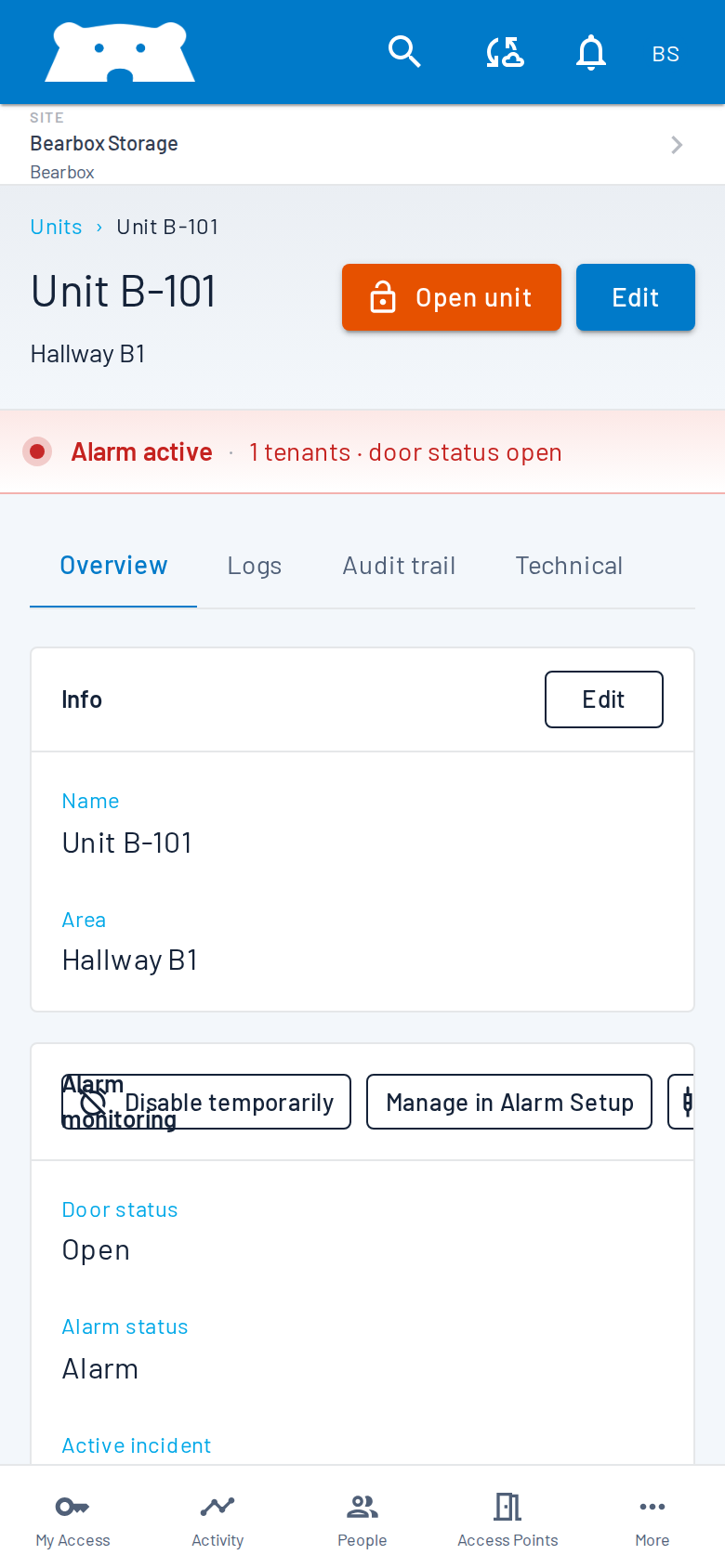
Portal shows live door and alarm status together. Check which unit needs attention, review whose credentials were used and look at connected live cameras. Your team can distinguish a normal visit from an opening that needs investigation.
Alert your own team or connect alarms to a monitoring station or alarm receiving centre (ARC). Partners such as DSOC provide professional security monitoring under an agreed response plan. Decide which events they receive and what happens next. Monitoring works with or without automatic unit locks.
Practical answers for planning your site.
No. Sensors report door activity and movement; automatic locks control physical access. Monitor units without automatic locks, or use both.
The customer’s route and unit can disarm during their visit, while other areas stay protected. Protection returns when the visit ends under your site’s visit rules.
Compatible alarm systems can connect through relay-based alarm shunting. Bearbox temporarily bypasses the relevant alarm areas for an authorised visit while other areas stay protected. We review your alarm equipment, wiring and zones to plan the connection and any additional monitoring.
Bring your layout and existing alarm details. We’ll show door status and alarms, then review sensors, customer visits and who responds.