
QR check
The physical reader checks the customer’s QR credential.

Multi-Factor Authentication
Add a second check to customer entry. With Bearbox QR-and-PIN authentication, a QR code alone cannot grant access.
A forwarded QR code can make it difficult to tell who entered. Require a PIN as well, and give each invited visitor their own credentials so access records identify the credentials used.

The customer presents their QR code and enters their PIN. Both must pass before the entrance opens, and their normal permissions and access hours still apply.
The physical reader checks the customer’s QR credential.
The keypad checks their PIN. Entry requires both checks to pass.
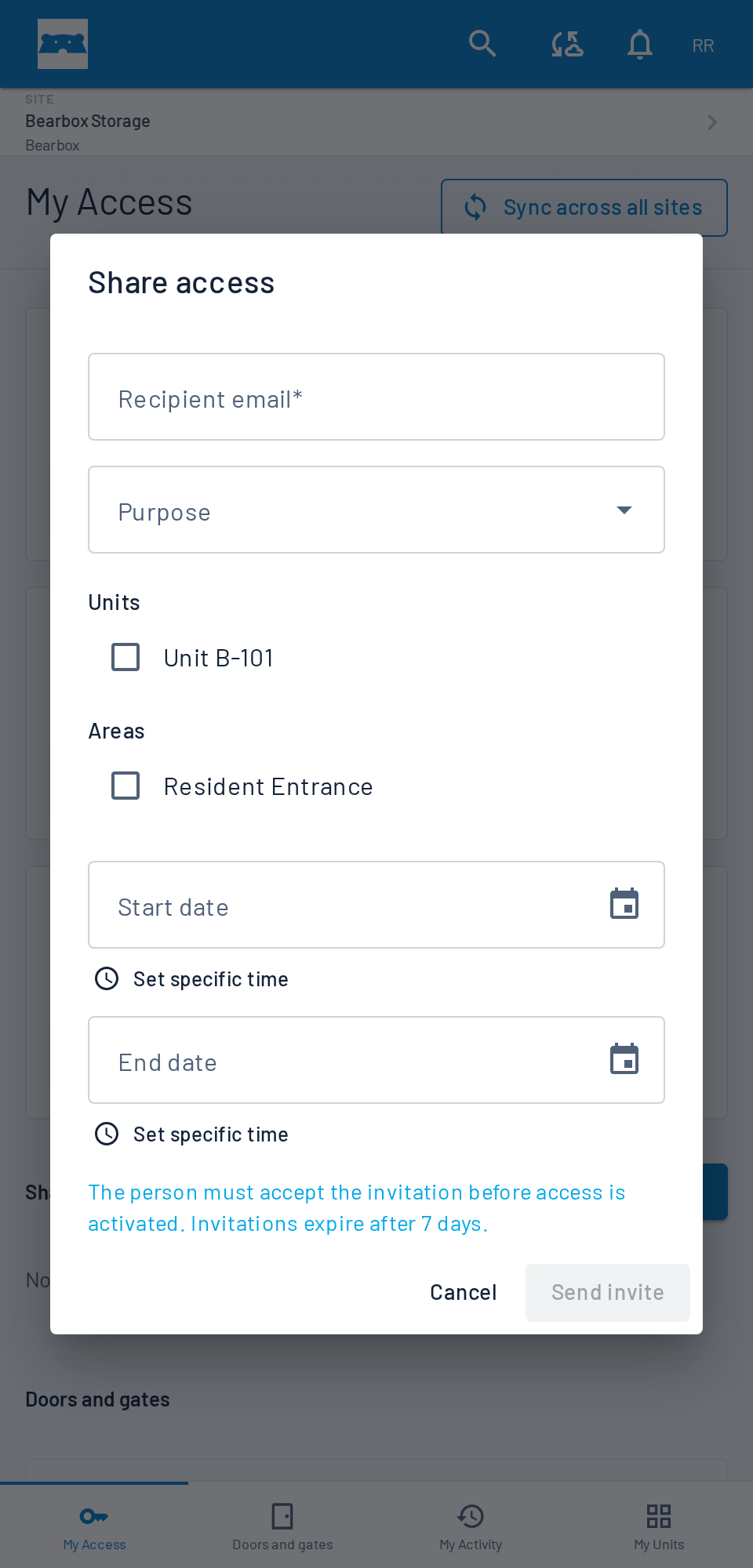
With sharing enabled, customers can invite colleagues or family members using their own profiles. Your team can review each person’s access instead of trying to identify everyone through the account holder’s code.
Dynamic QR codes change automatically. A saved screenshot stops working when that code expires. Add a PIN check where you use QR-and-PIN authentication and use individual invitations for people who need shared access.
The touchscreen keypad combines QR scanning with PIN entry. Other credential combinations are available, including numberplate recognition with a QR check. Choose the cameras, readers and checks around the people using that entrance.
Combine vehicle recognition with a QR check. Include an access method for customers arriving on foot when planning the gate.
Bearbox won the Innovation Award at the 2023 FEDESSA European Self Storage Awards for Two Factor Authentication. See the customer checks at the keypad and decide where they fit your site.
MFA records show the time, entrance and outcome. Your team can investigate a failed check alongside the customer’s access permissions.
Use dynamic QR, Smart PIN or authenticator codes alongside familiar fixed PINs and printed QR codes. Choose credentials and second checks together to suit each entrance.
Practical answers for planning your site.
No. Issued static QR codes can be presented from email or a printed card. Customers using a phone can show their code in the Bearbox app or your own app connected through the Bearbox API. Rotating QR credentials need the current code. Customers present the QR code to the physical reader and enter their PIN.
Yes. Customers can use phone access alongside physical readers on a Bearbox site. The QR and PIN journey described here uses a keypad for the PIN step. Discuss which access methods and checks you want at each door or gate.
Choose the entrances that need a second check, then review the credentials and readers customers use there. Include a way for staff to help someone who cannot complete the checks.
Yes. Enable or disable MFA for individual customers, including through connected rental software. Require a second check for selected customers while others retain their usual access method.
We’ll show QR and PIN entry, then review the entrances, readers and customer needs at your site.