


Keep screens up to date
Change branding and welcome messages remotely. Keep keypad software up to date.

Bearbox touchscreen keypad
Your brand at the entrance. A clear way in for your customers.
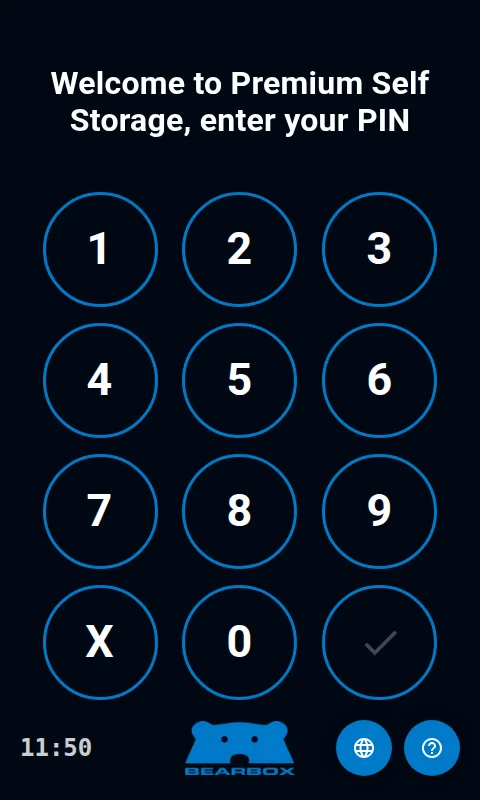
Bring PIN and QR access into one touchscreen keypad. Show customers how to enter, help with common questions and connect the visit to the doors and areas they can use.

Customers present their QR code to the scanner at the bottom right of the keypad. Use a changing QR code on their phone, or a fixed QR code on a phone or printed card.
Explore QR accessMake the entrance feel like your site. Show your logo, colours and welcome message, then change them remotely as your branding changes.
Choose example branding below, or explore light and dark modes.
Bearbox example branding
Explore PIN entry, two-factor access and the help customers can find on the touchscreen.
Customers enter a fixed PIN or a temporary Smart PIN on the same touchscreen. They find their current Smart PIN in the Bearbox app or your own app and enter it before it expires.
Compare access credentialsRequire both QR and PIN checks before entry. Customers complete both at the keypad before the entrance opens.
Explore two-factor accessCommon questions have answers on the keypad. Forgotten PIN? The reset screen directs customers to My Access on their phone. Language options help them follow the prompts; optional calling connects them to your team.
Explore customer supportScan QR
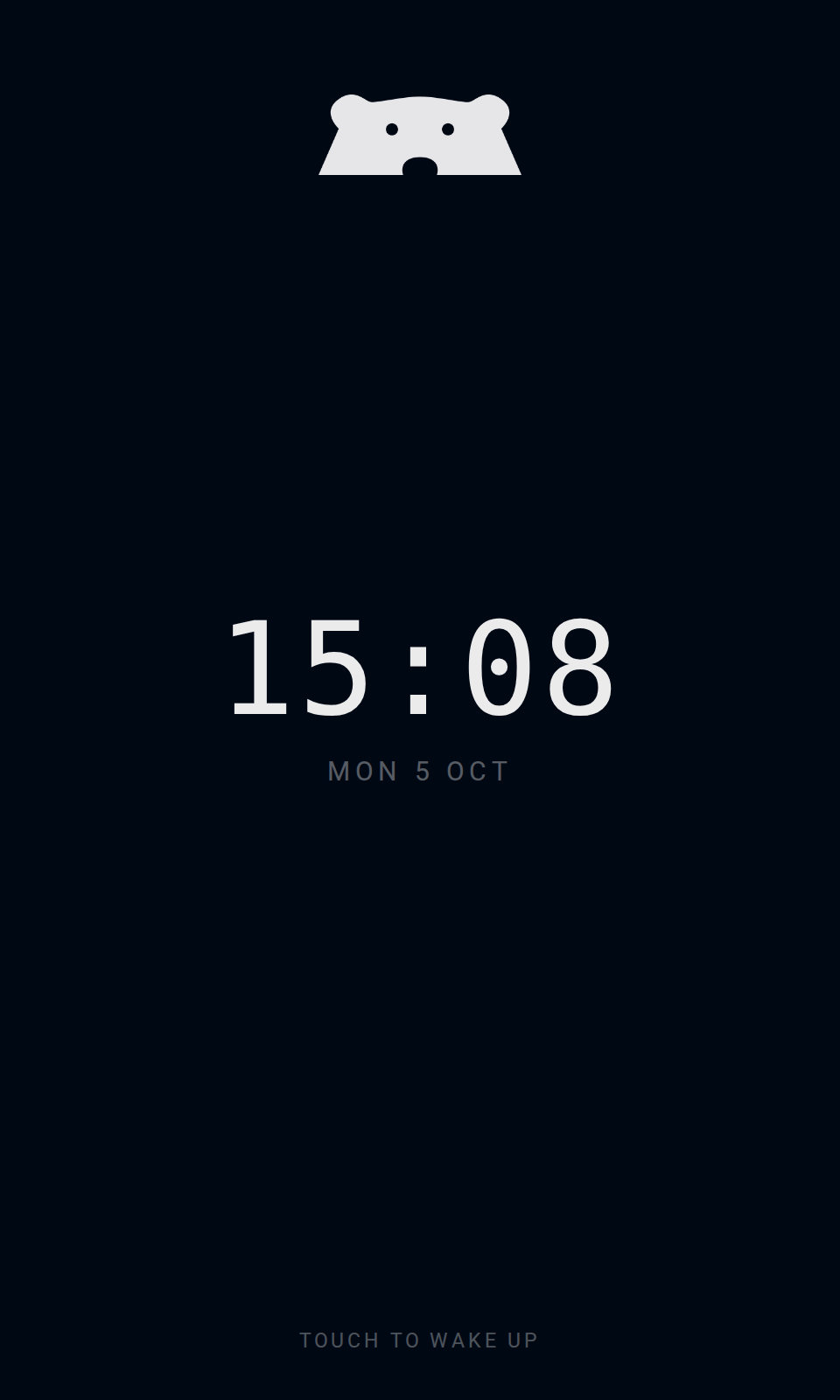
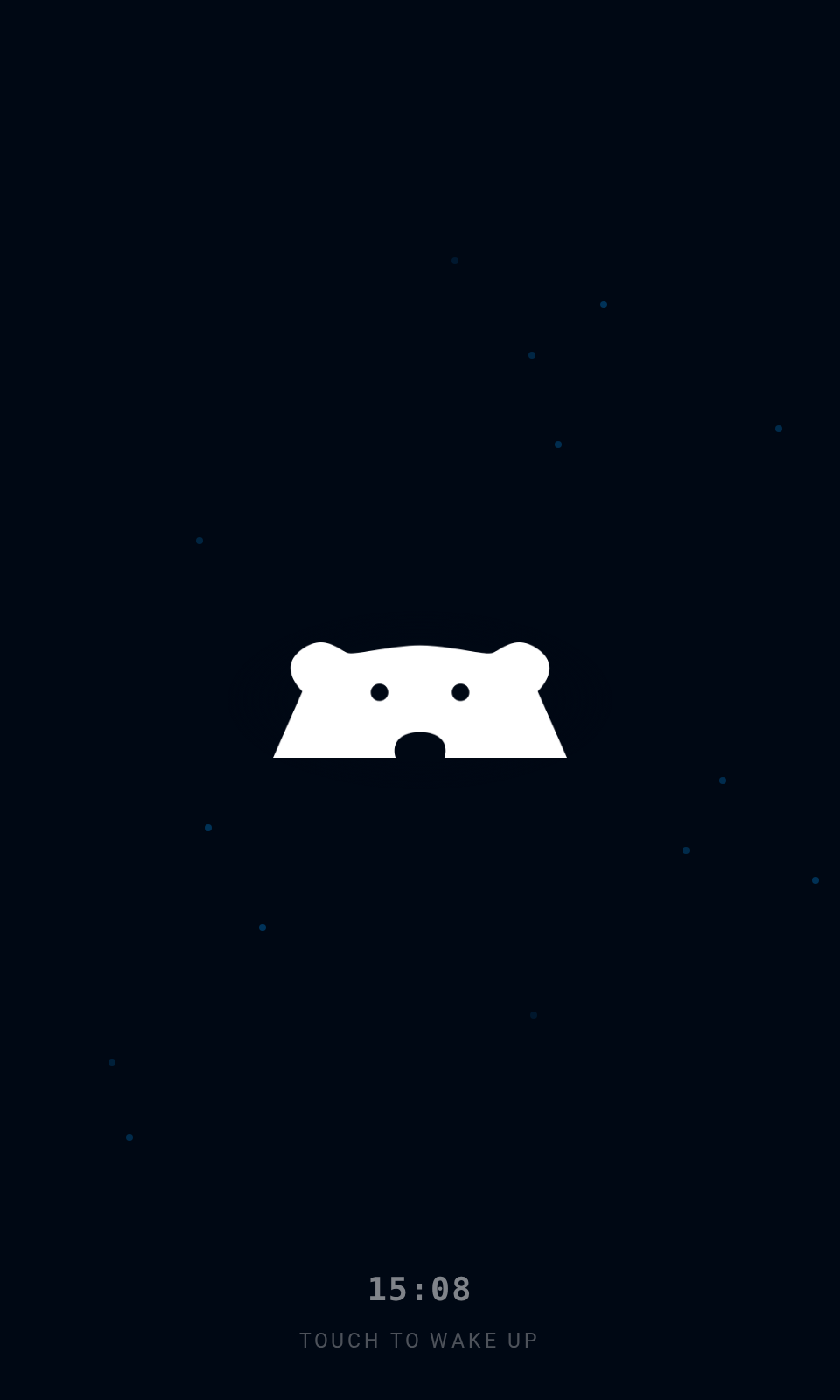
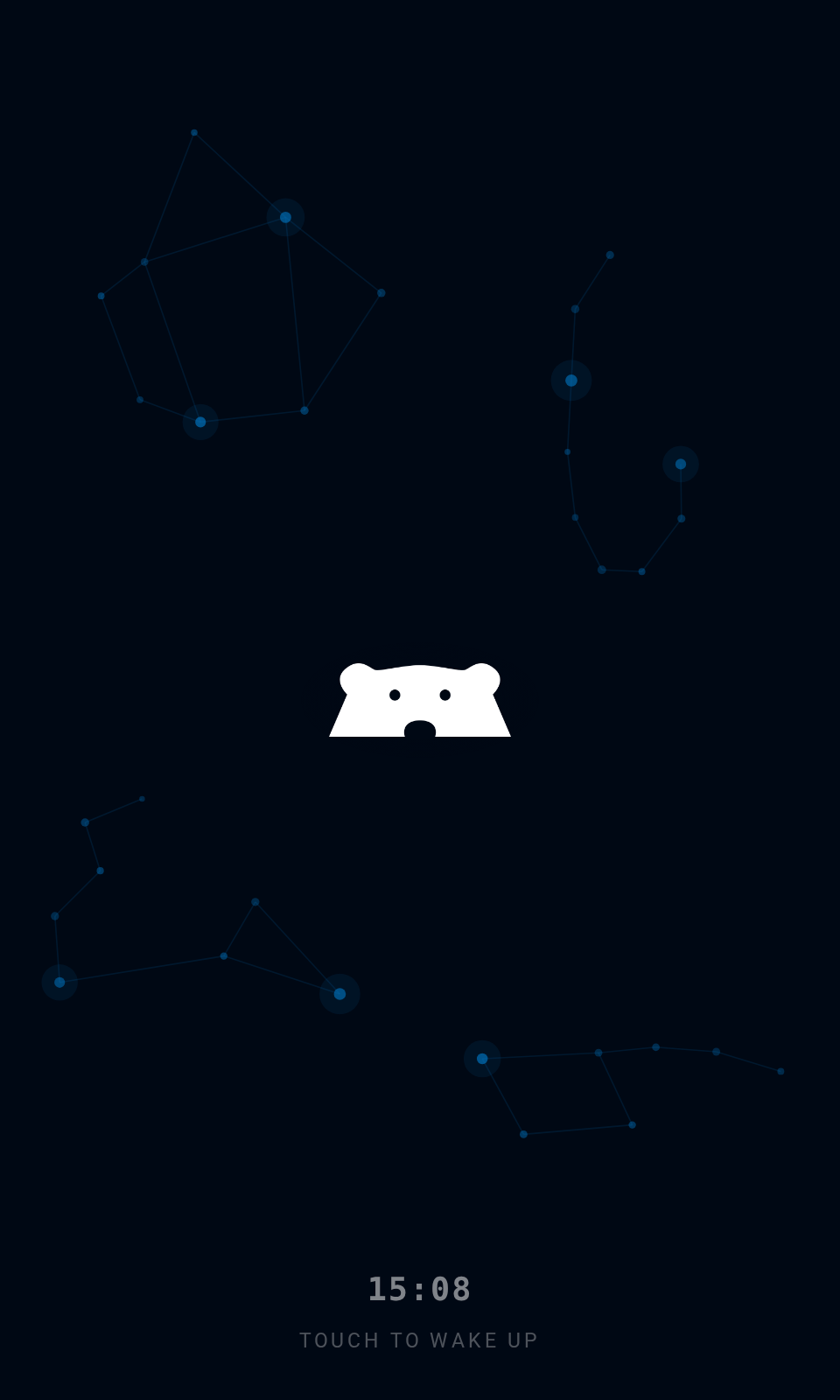
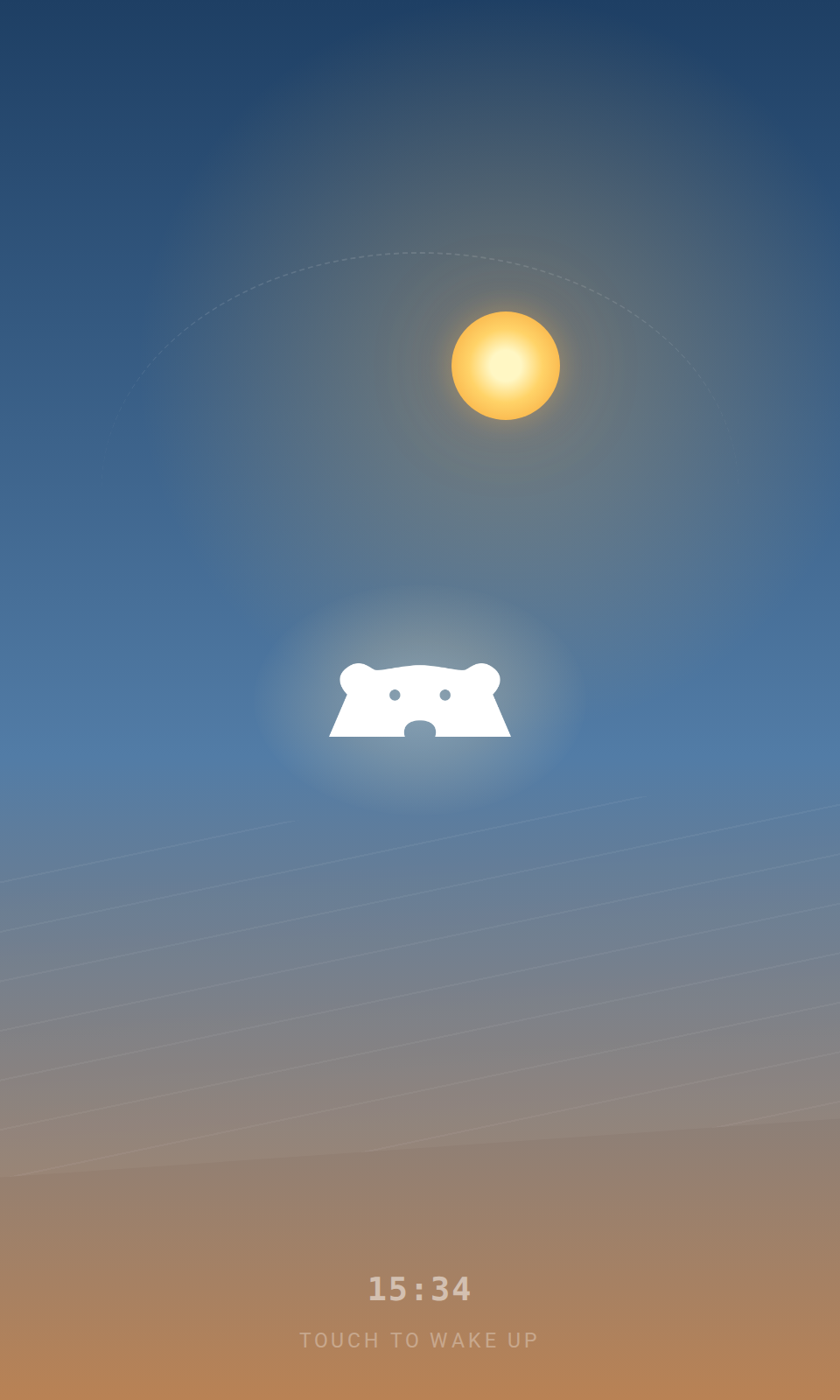
Choose an idle screen that suits your entrance. Keep it simple with a clock and logo, or add gentle branded motion. These Bearbox examples use our logo; your keypad uses your own logo and colours. Watch a whole day pass in seconds in the Sky clock preview.

Bearbox won the Innovation Award at the 2023 FEDESSA European Self Storage Awards for Two Factor Authentication.
Explore two-factor accessPart of the Bearbox system
Use a keypad at the entrance, between areas of the building or in a corridor where customers unlock their own unit.
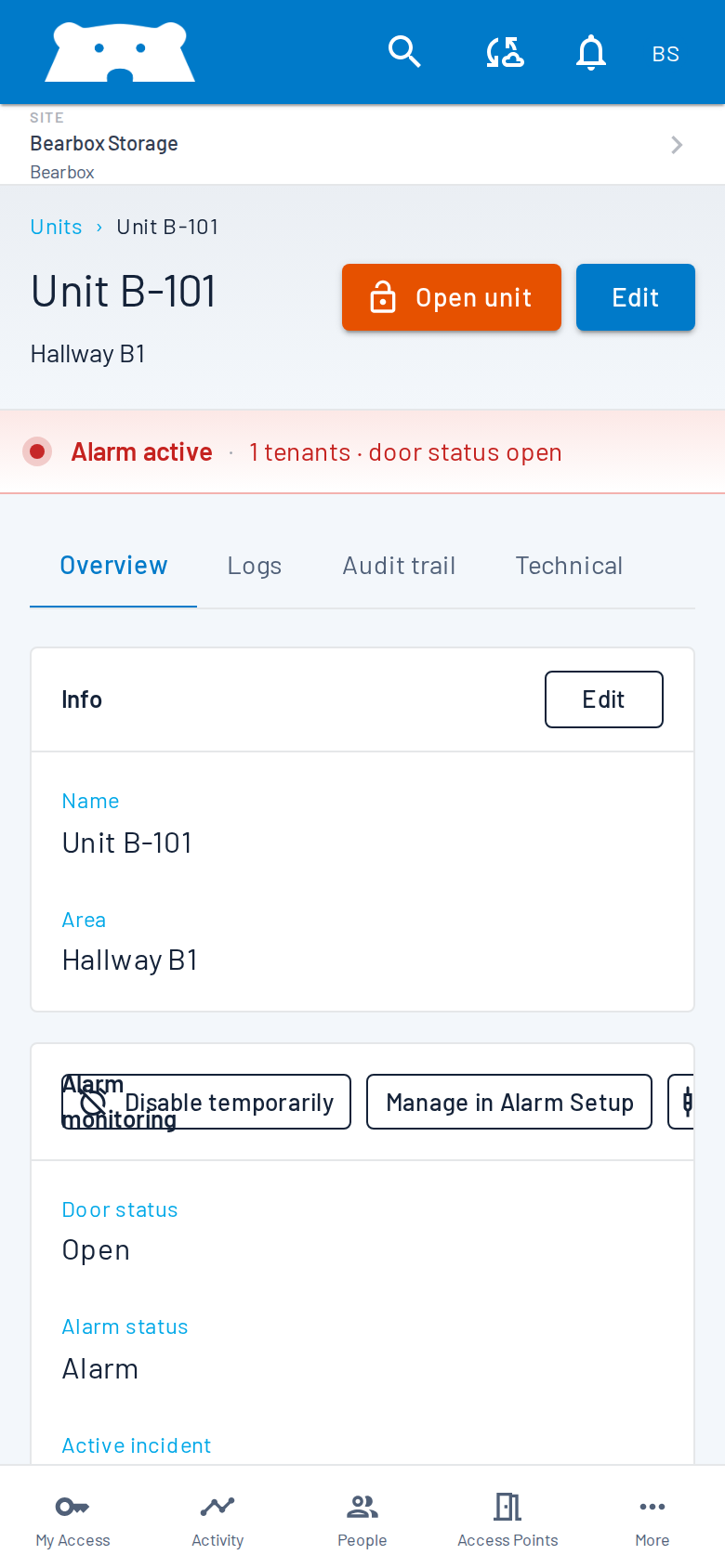
At a corridor keypad set up for unit access, customers can unlock the BearLock on their own unit. Access zones let them reach the areas they need while other areas remain restricted. On sites using alarm areas, the areas along their permitted route and their own unit alarm disarm for the visit. Protection returns when the configured visit ends.
Explore automatic unit locksA keypad can show floor choices in a configured lift setup. Customers choose from the floors available to them. We’ll review lift compatibility and permitted-floor access as part of your site design.
Explore access zones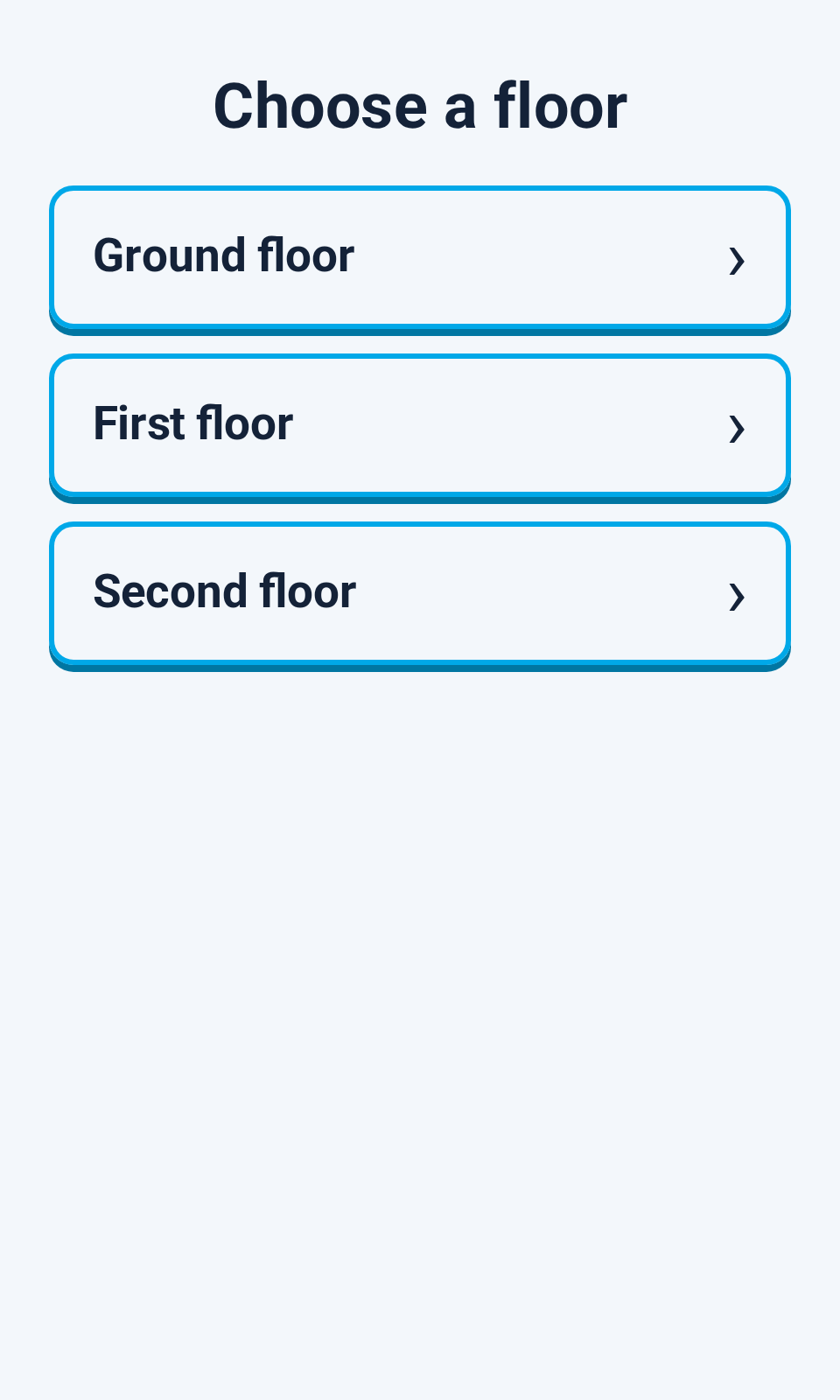
Your team can manage keypad settings and review access activity remotely. Routine changes don’t have to wait for a visit to the gate.
Change branding and welcome messages remotely. Keep keypad software up to date.
Review granted and denied access events with their time and access point in the Bearbox Portal.
With optional calling, customers can speak to your team from the keypad when they need help. Set who receives calls from the keypad.
Fit it to the way your customers visit and the equipment already on your site.
The keypad includes on-screen FAQs for common access questions. PIN reset directs customers to My Access to continue on their phone. Optional calling from the keypad connects them to your team when they need more help.
No. PIN access doesn’t require a smartphone. A QR credential can also be presented on a printed card. The available options depend on the access methods and security policy you choose.
Yes. Customise the keypad screen with your logo, colours and welcome message. Branding is managed remotely, so you can keep the screen consistent with your site.
Yes. Set the number of invalid attempts allowed before the keypad is disabled.
Yes. You can offer app access alongside keypads. You can also choose an app-only setup with no physical keypads or QR Solo readers. We’ll help you choose the mix that fits your customers.
The touchscreen keypad supports PIN and QR access, branded screen prompts and two-factor checks. QR Solo is a compact QR reader for entrances where a screen and PIN entry aren’t needed.
Yes. Your local electrician can handle the wiring. Bearbox signs off commissioning, with warranty and support in place for the signed-off system.
Bearbox can control compatible gates and doors. We’ll review your equipment, cabling, mounting location and site configuration before specifying the installation.
Keypad and reader access can keep working with permissions already stored on site. Opening from the app needs an internet connection at the site and on the customer’s phone. Remote management also needs the site online.
Use a touchscreen where the welcome and access choices matter. Choose a smaller reader or app access where that suits the visit.

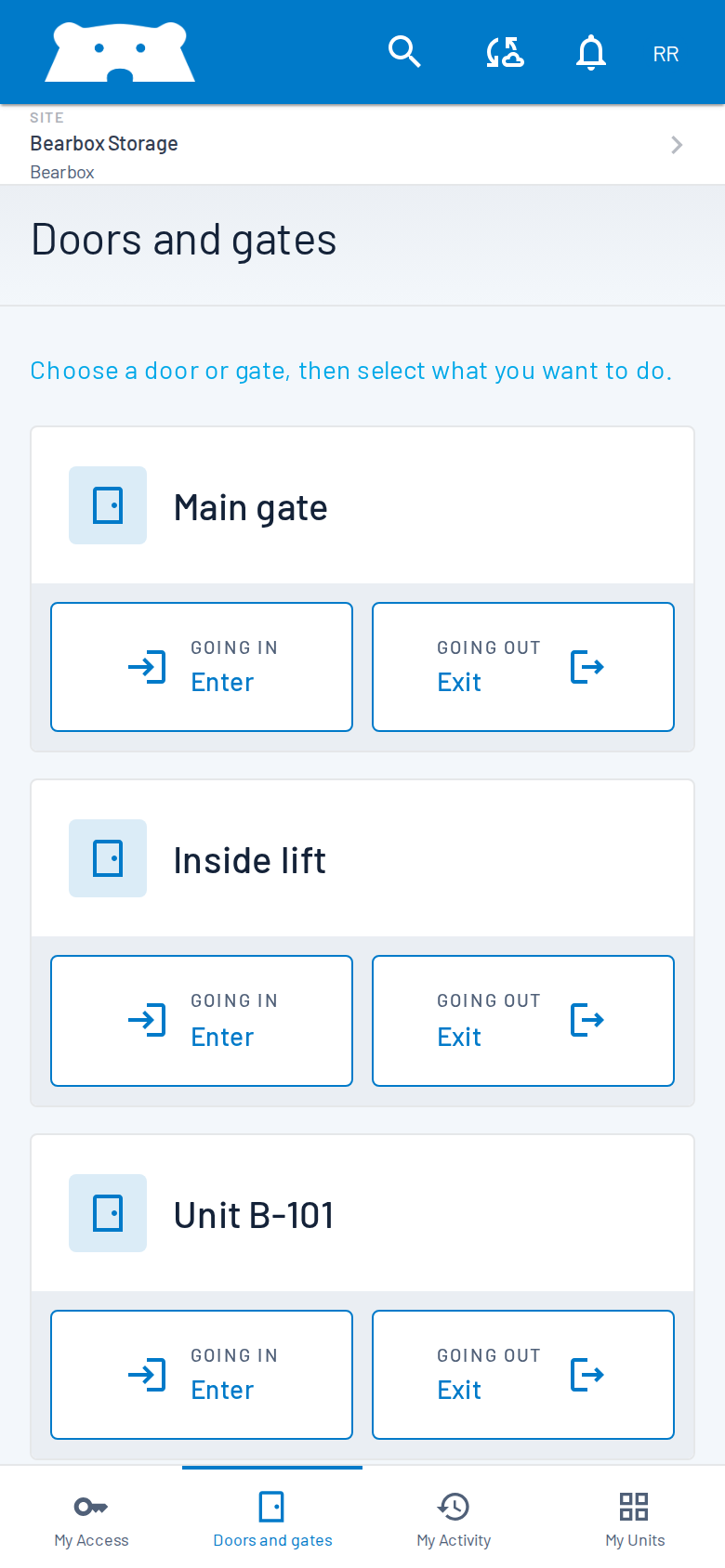
Give customers access from their phone. Go app-only or offer it alongside your readers.
Explore app accessA water-resistant enclosure, touchscreen and readers in one device. Straightforward setup, with your branding ready for customers.
Your electrician handles the wiring; Bearbox signs off commissioning.
Your local electrician can handle the wiring for your installation.
Bearbox signs off commissioning of your system.
Once commissioning is signed off, your system has Bearbox warranty and support in place.
Offer Smart PIN for temporary keypad codes, or an authenticator code for a second check.
Compare access credentialsSee the keypad, try the access flow and explore your branding. We’ll talk through where it fits on your site.