

Touchscreen keypad
Built-in QR scanning alongside PIN entry, branded prompts and on-screen help.

QR access & QR Solo
Customers show their QR code at the reader to open the gates, corridors and doors they can use.
QR access works at the Bearbox touchscreen keypad and at compact QR Solo readers. Use a keypad where customers need screen prompts and PIN entry, and dedicated readers at other gates, doors and unit-unlock points.
Customers present a QR code on their phone or an issued printed code. Bearbox checks the credential, their permissions and access hours before allowing entry. Use the same action at the entrance and internal doors.
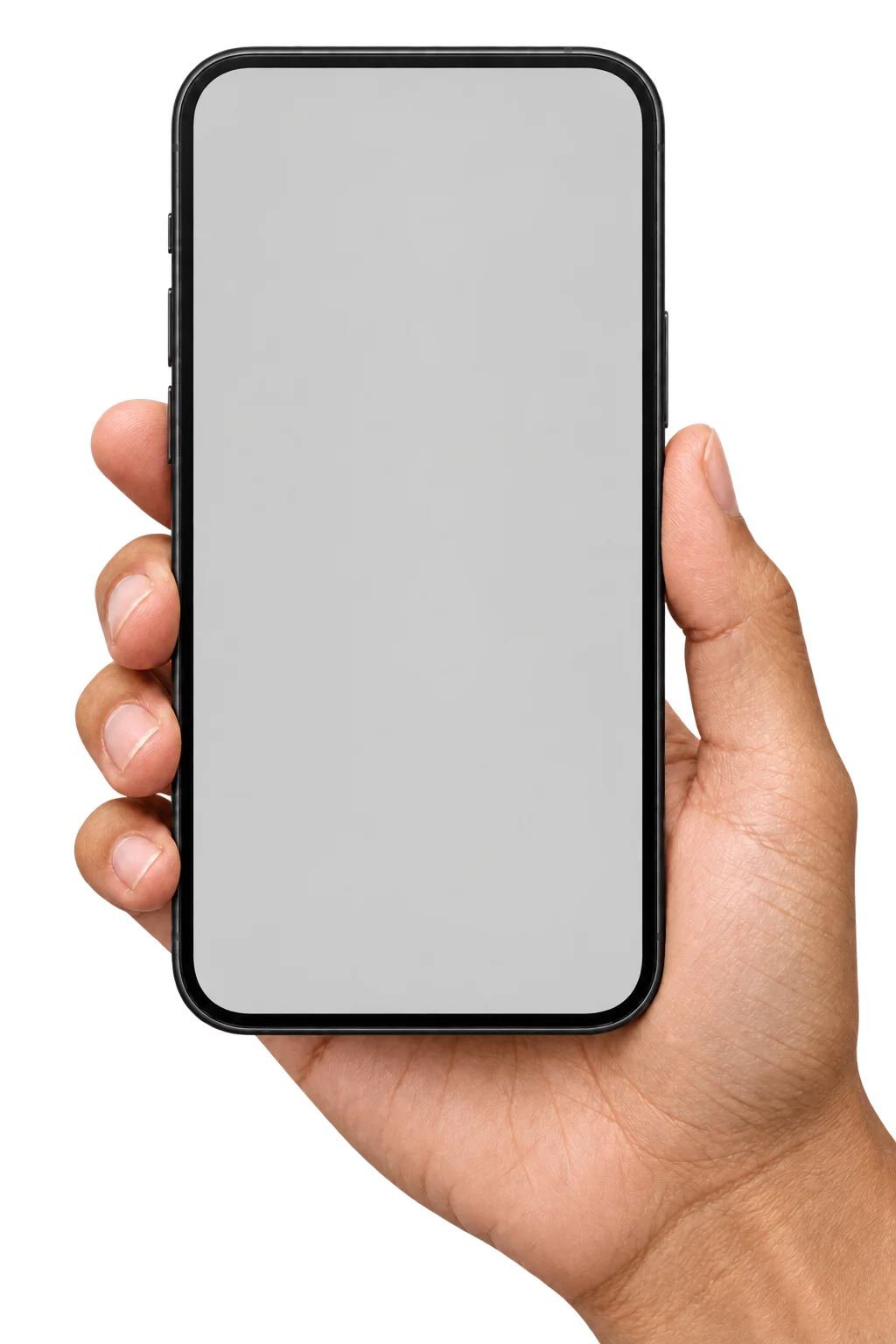

Open the current QR code on a phone or bring the printed credential issued for the site.
Hold the code in front of QR Solo or the touchscreen keypad’s scanner.
Enter when the credential and access checks pass.
Dynamic QR codes refresh every 30 or 60 seconds, so a saved image stops working when its code expires. Customers who prefer paper can use issued static QR codes.
The touchscreen keypad includes QR scanning as well as prompts and PIN entry. With QR-and-PIN authentication, both checks must pass. Use QR Solo for dedicated scanning and a keypad where the customer needs the screen or PIN controls.

A supported rental connector can issue a QR credential when a tenancy starts and revoke it when it ends. Scan records include the credential reference, time and entrance for later review.
Dynamic QR, Smart PIN and authenticator codes can sit alongside fixed PINs and printed QR codes. Compare them with the entrances and reader hardware you plan to use.
Plan space for the reader and the connection it needs. The keypad includes a screen and built-in QR scanner; QR Solo fits dedicated scanning into a compact enclosure.
Built-in QR scanning alongside PIN entry, branded prompts and on-screen help.
A water-resistant enclosure with a built-in scanner, approximately 50 × 110 × 30 mm, width × height × depth.
QR Solo connects over Wi-Fi. Plan coverage where the reader will be installed.
Practical answers for planning your site.
QR Solo can read an issued printed code as well as a code on a phone display. Customers using rotating QR credentials need the current changing code. A printed credential is a separate choice for people who prefer paper or do not use a smartphone.
QR access uses a physical reader: the customer presents their code to QR Solo or a keypad. In an app-only setup, the customer selects an available door or gate on their phone and requests access there, without a physical keypad or QR Solo reader.
Installed readers can keep checking access locally using permissions already held on site during a site internet outage. Phone opening requests need connectivity. Include the credential types and outage access you need when planning the readers.
Show us your gates and internal doors. We’ll review where QR Solo fits, where a keypad helps and which credentials your customers will use.