Access for each person
Set the areas and hours each person can use. Where enabled, customers invite someone with their own profile and credentials, so your records show who used the access.

Automated / Unmanned Self-Storage
Give customers access within their permitted areas and hours, help them remotely when needed, and see what is happening across your unattended self-storage site.
Customers still need a straightforward visit when your team is elsewhere. Bearbox gives them ways to enter and get help, with remote controls and site activity visible to staff.
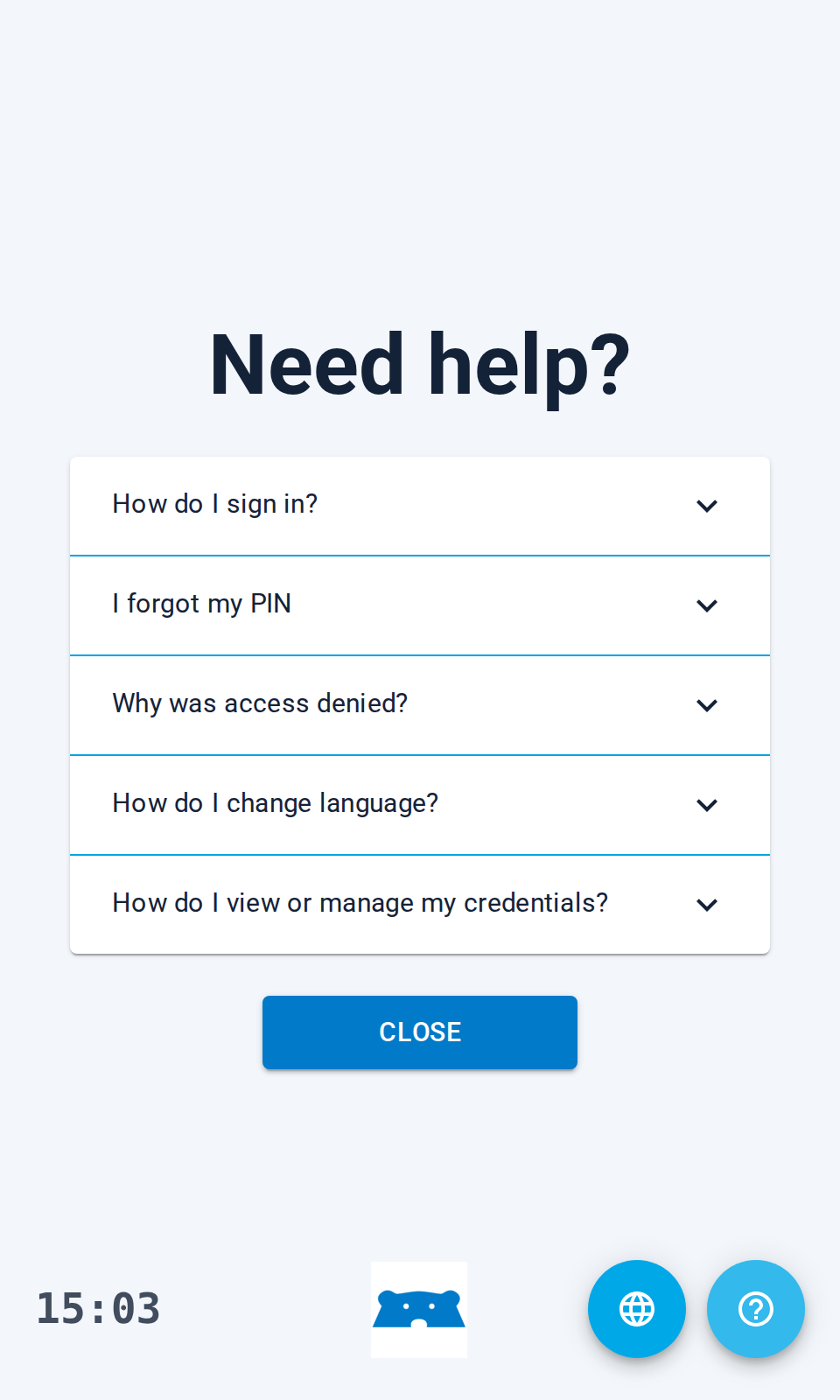
Your logo and colours make the keypad and customer screens recognisable. Keypad FAQs and PIN-reset guidance help visitors answer common questions without waiting for staff.
Set the areas and hours each person can use. Where enabled, customers invite someone with their own profile and credentials, so your records show who used the access.
Connect rental changes to customer access so your team doesn’t have to repeat supported updates in two systems. Move-ins, overdue accounts and move-outs can change permissions through the rental connector. The changes available depend on what your software provider has implemented.
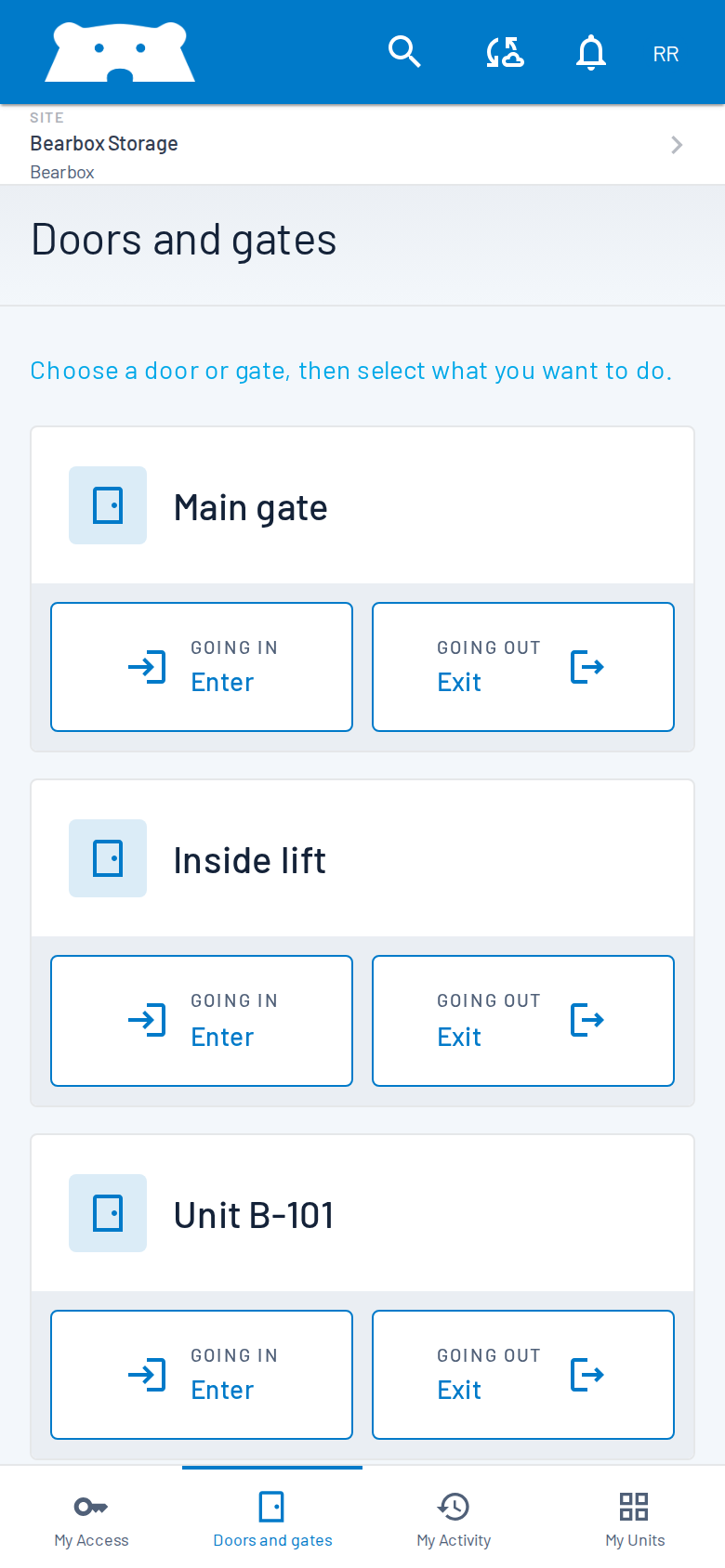
Check access activity and door status in Portal, then open a door or gate remotely to help a customer. An optional calling feature lets customers speak to your team from the keypad. Decide who answers and how staff check the person before opening.
Door contacts report openings. PIRs detect movement inside and outside units. Staff can review alarms with access records and camera footage. Connect a monitoring station or alarm receiving centre, such as DSOC, when you need a monitoring team to investigate under an agreed response plan.
Local keypad and reader access can keep working with permissions already held on site. Phone opening, remote controls and live updates need connectivity. Plan how customers enter and reach help during an outage, especially if you choose app-only access.
Practical answers for planning your site.
Yes. App-only access is an option: customers open permitted doors and gates from their phone. The gate, door and lock operating hardware still needs to be installed. Discuss connectivity and customer support when choosing phone access, physical readers or a combination.
Customers have self-service tools, and your team can provide remote assistance through Portal and the optional calling feature on the keypad. Set the hours when your team is available and who customers should contact outside those hours.
Stora, Space Manager and Storeganise are among the supported providers. Other connections include 6Storage, R6 Automate, Storman and Store365. Tell us what you use; available rental updates depend on the connector your provider has built.
These are separate choices. Unit monitoring helps you see unexpected openings or doors left open; automatic locks control unit access. Review your site layout, existing equipment and response arrangements to decide where each option will be useful.
Tell us how customers arrive, get help and leave when staff are off site. We can show you the access, remote controls and monitoring options for those visits.