
Container Self-Storage
From the yard gate to the right unit.
Give customers access to your container site and keep a clear view of activity, with gate controls, unit monitoring and remote management working together.
A customer arrives in a van, opens the gate and drives to their unit. Your team may be miles away. Bearbox connects that everyday journey with the permissions and visibility you need to run the yard.
Make the journey through the yard straightforward
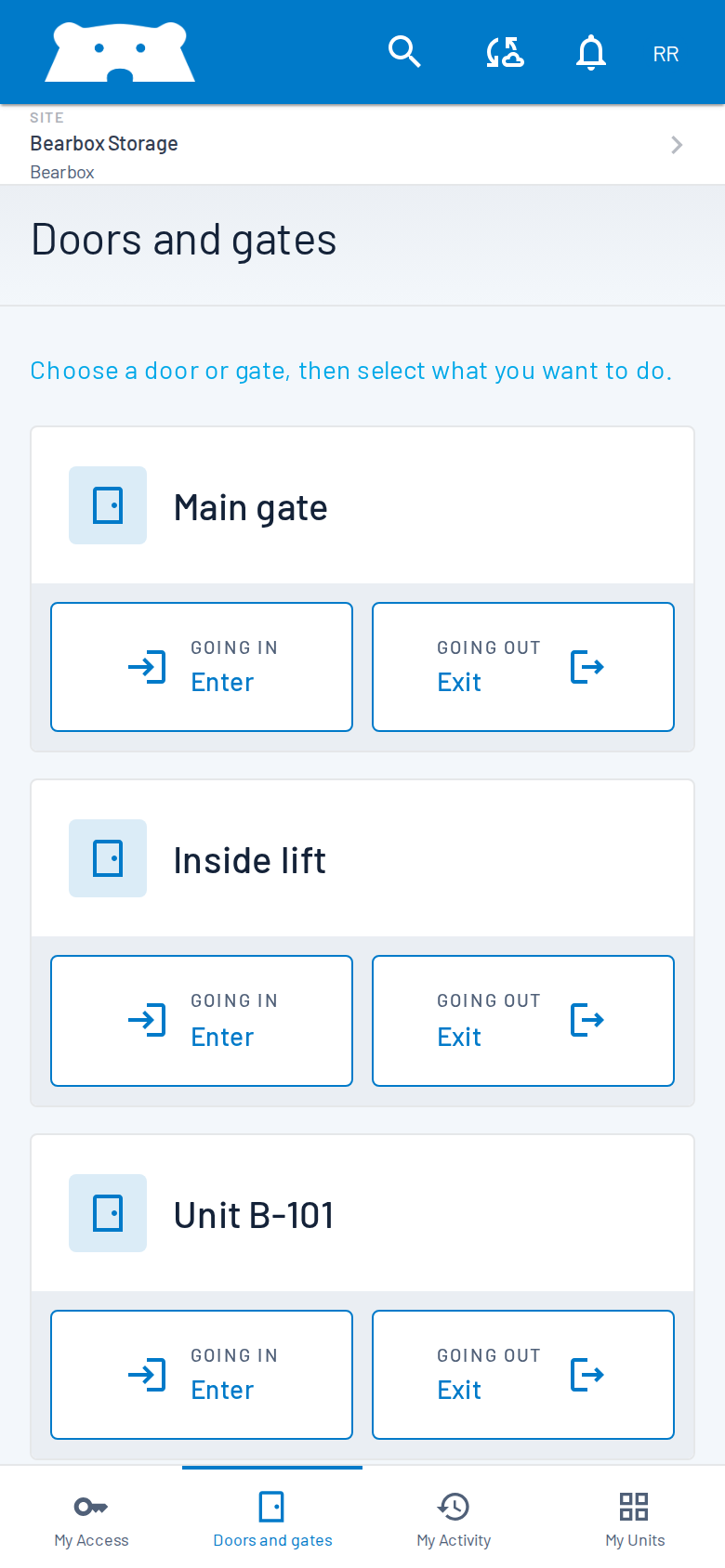
Give each person the gates and access hours they need. Choose entry and exit controls around the traffic in your yard.
Arrive at the gate
Customers can open a permitted gate from their phone. ANPR offers vehicle entry using an authorised number plate; a keypad or QR reader provides another entrance option for your site.
Reach the rented unit
Customers drive to their rented unit. Door monitoring can report an unexpected opening; optional automatic locks control who can unlock the unit.
Leave through the exit
Provide a clear way out for customers and their vehicles. Entry and exit records help your team check when a customer arrived or left and assist someone at the gate remotely.
Give each unit its own protection
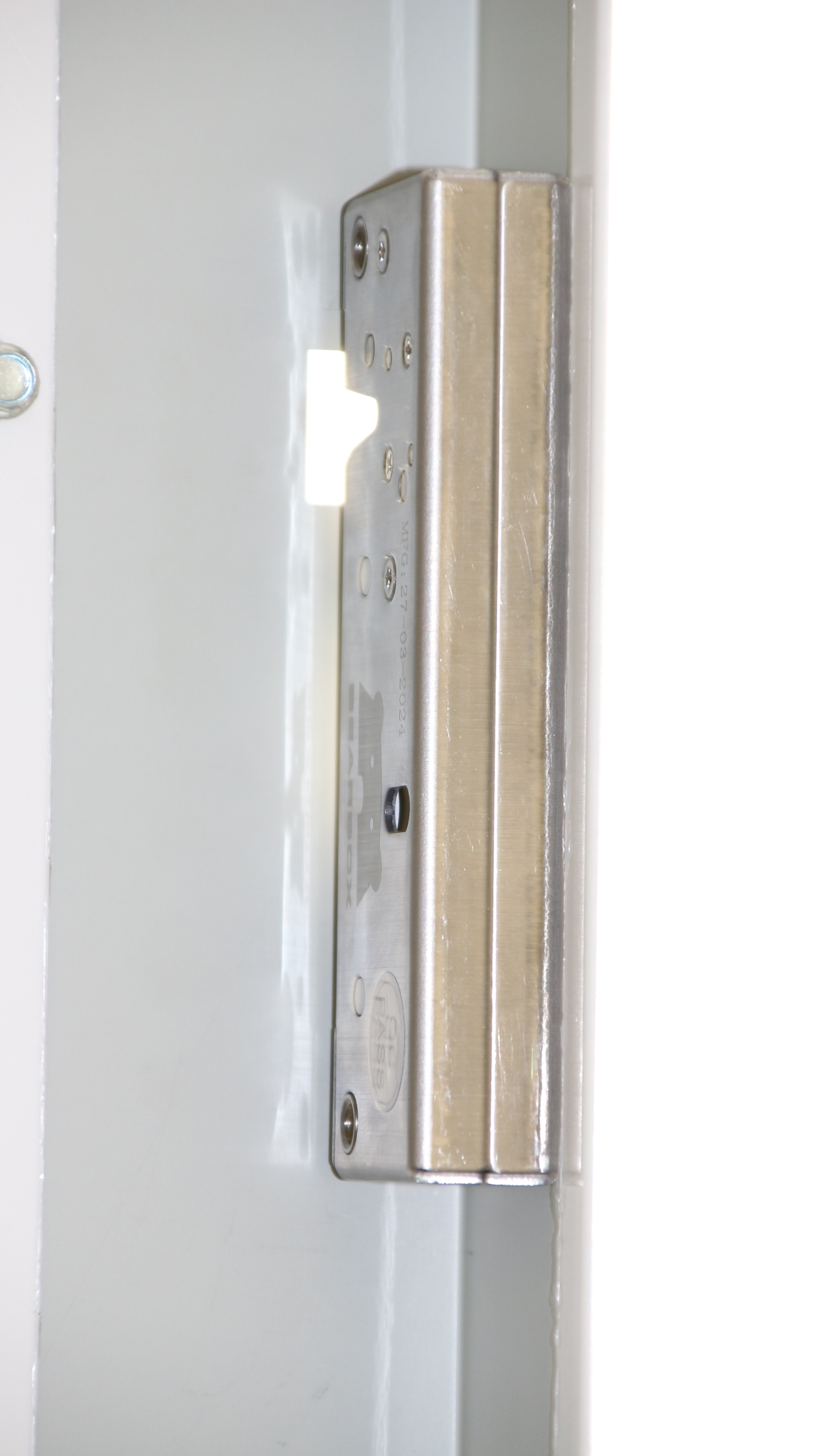
Gate records show entry activity. Door contacts show which unit opened and whether its door was left open. Optional BearLock or SAM locks let you manage unit access without a trip to change a padlock. Suitability depends on the door and installation.
Check the yard before making the trip
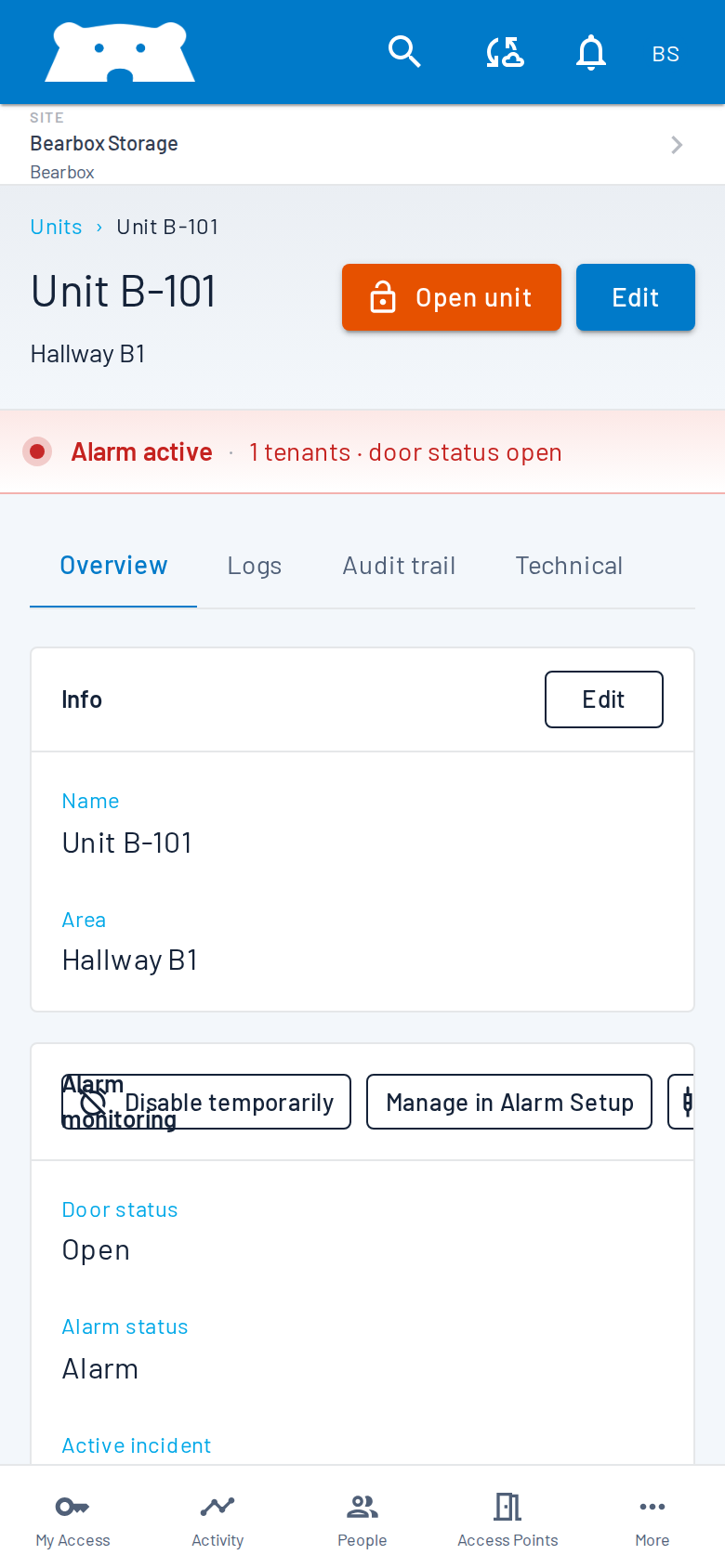
Check access activity, door status and alarms in Portal from your phone or desktop. Review connected camera footage and open a gate remotely for a customer who needs help. Alarms can also reach a monitoring station or alarm receiving centre for an agreed response.
Build around the equipment in your yard
Compatible gate controls, readers, cameras and wiring may stay in place. Outdoor exposure, vehicle approach and unit door construction guide the equipment choice. Connect your rental software so supported rental changes update customer access.
Plan for the connection you actually have
Some yards have unreliable internet. Local keypad and reader access can keep working with permissions already held on site. Phone opening, remote controls and live updates need connectivity. Consider both the yard connection and customers’ mobile coverage when choosing app-only access.
Questions about container self-storage?
Practical answers for planning your site.
Can customers use a container site without a keypad?
Yes. An app-only setup provides phone access without physical keypads or QR readers. The gate still needs suitable operating hardware. Discuss site and customer connectivity, plus how customers receive help, before choosing app-only access.
Do all units need automatic locks?
Automatic locks are an option. You can focus on gate access, add unit monitoring, or include BearLock or SAM locks where fitting is suitable. Monitoring and locking do different jobs and can be discussed separately.
What happens when the site internet goes down?
Local keypad and reader access can keep working with permissions already held on site. Phone opening and remote management need connectivity. Plan how customers will enter and get help during an outage.
You might also find these useful.
Plan access around your yard
Tell us about your gate layout, unit doors and existing equipment. We can help you choose entry controls, unit protection and ways to manage the yard remotely.